




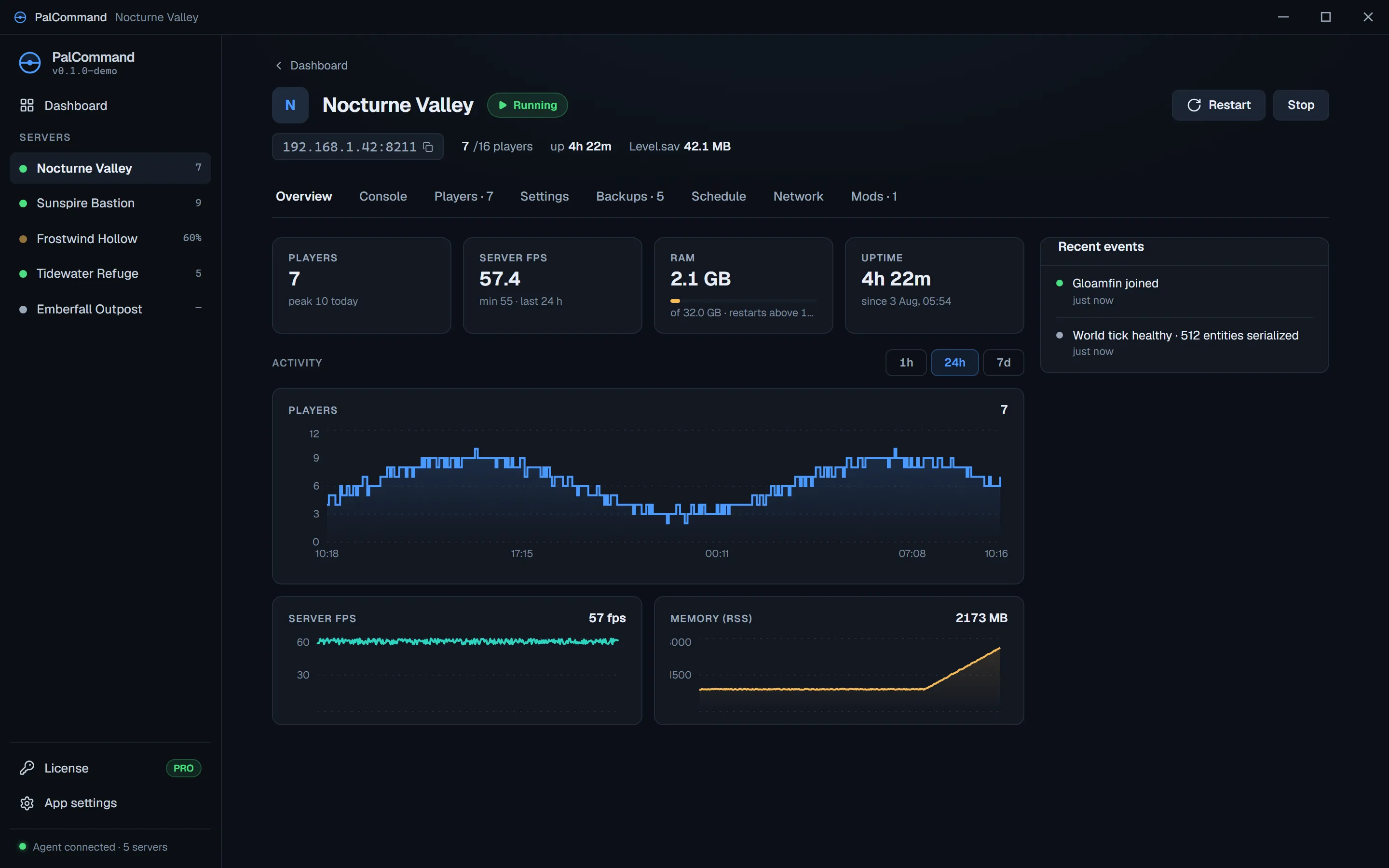
World healthPlayer count, FPS, memory, uptime, and recent activity
Palworld server manager for Windows
Install a new server, adopt one you already run, or move a co-op world. Then handle updates, backups, settings, health, and players from one Windows app.
Community
Talk setup, ask for help, and share ideas with other server owners. Find release news and service updates in our Discord.
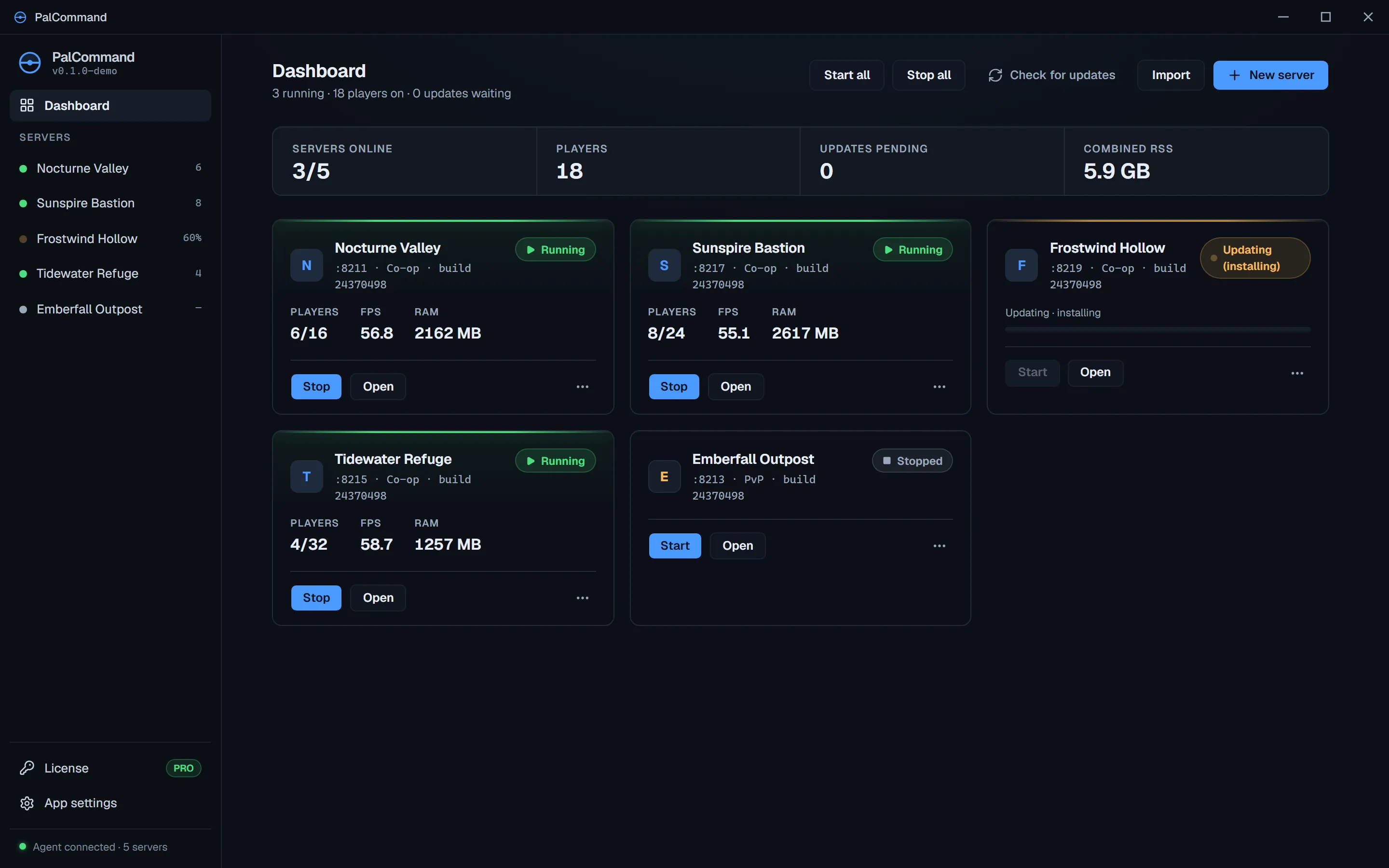
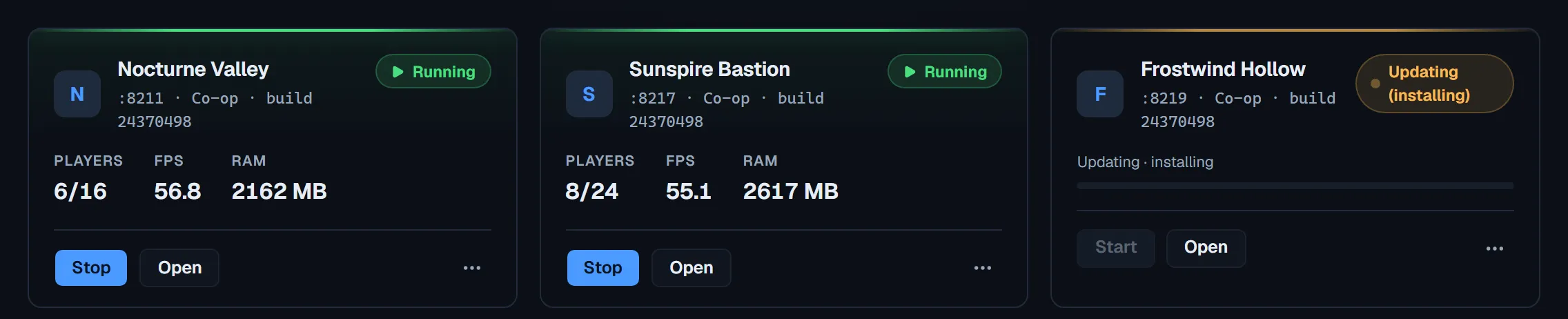
Server status at a glance
See running state, player count, FPS, memory, uptime, recent events, and pending updates before opening an individual server.
Choose your route
Start fresh, keep an existing installation in place, or move the group's co-op save.
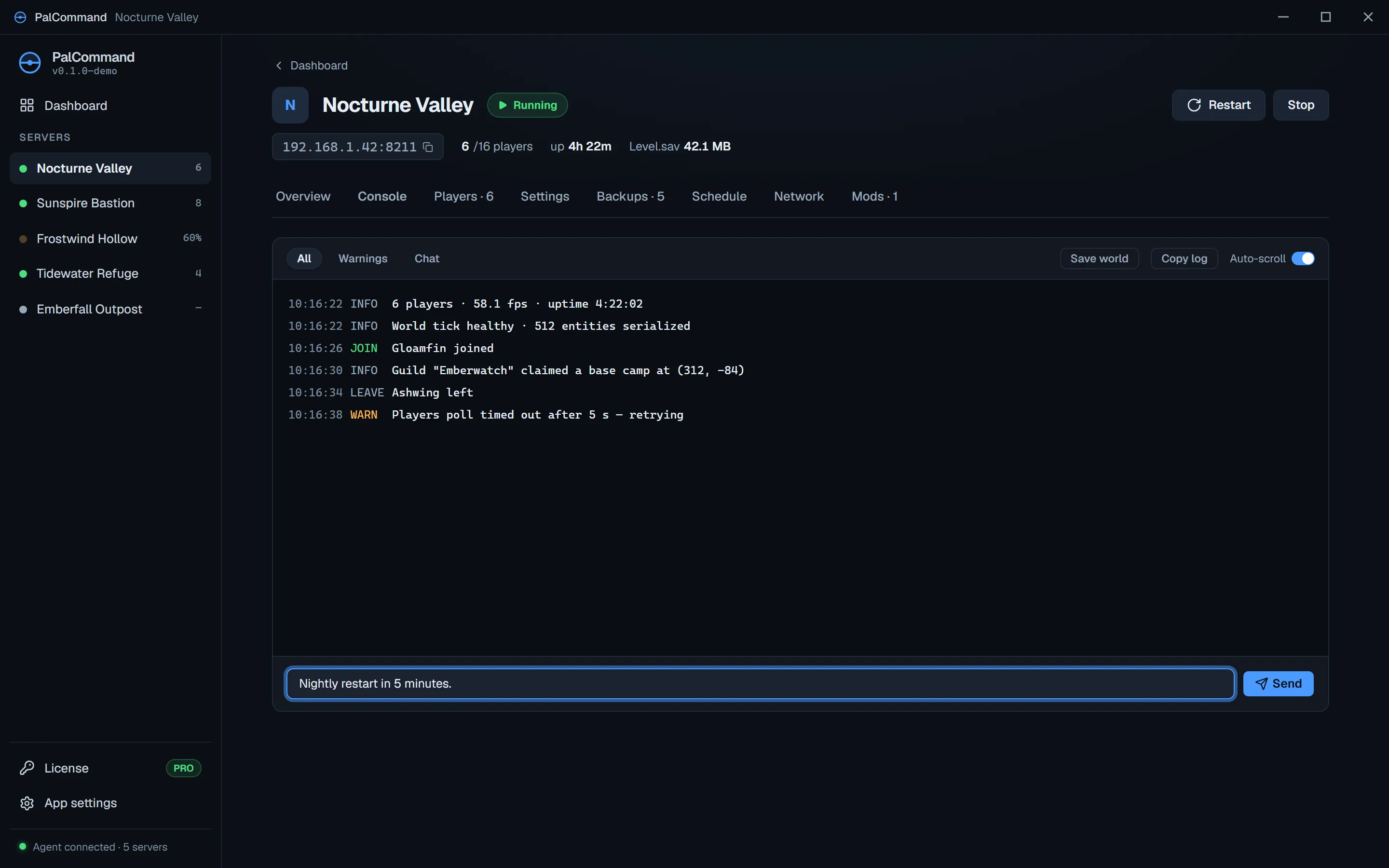
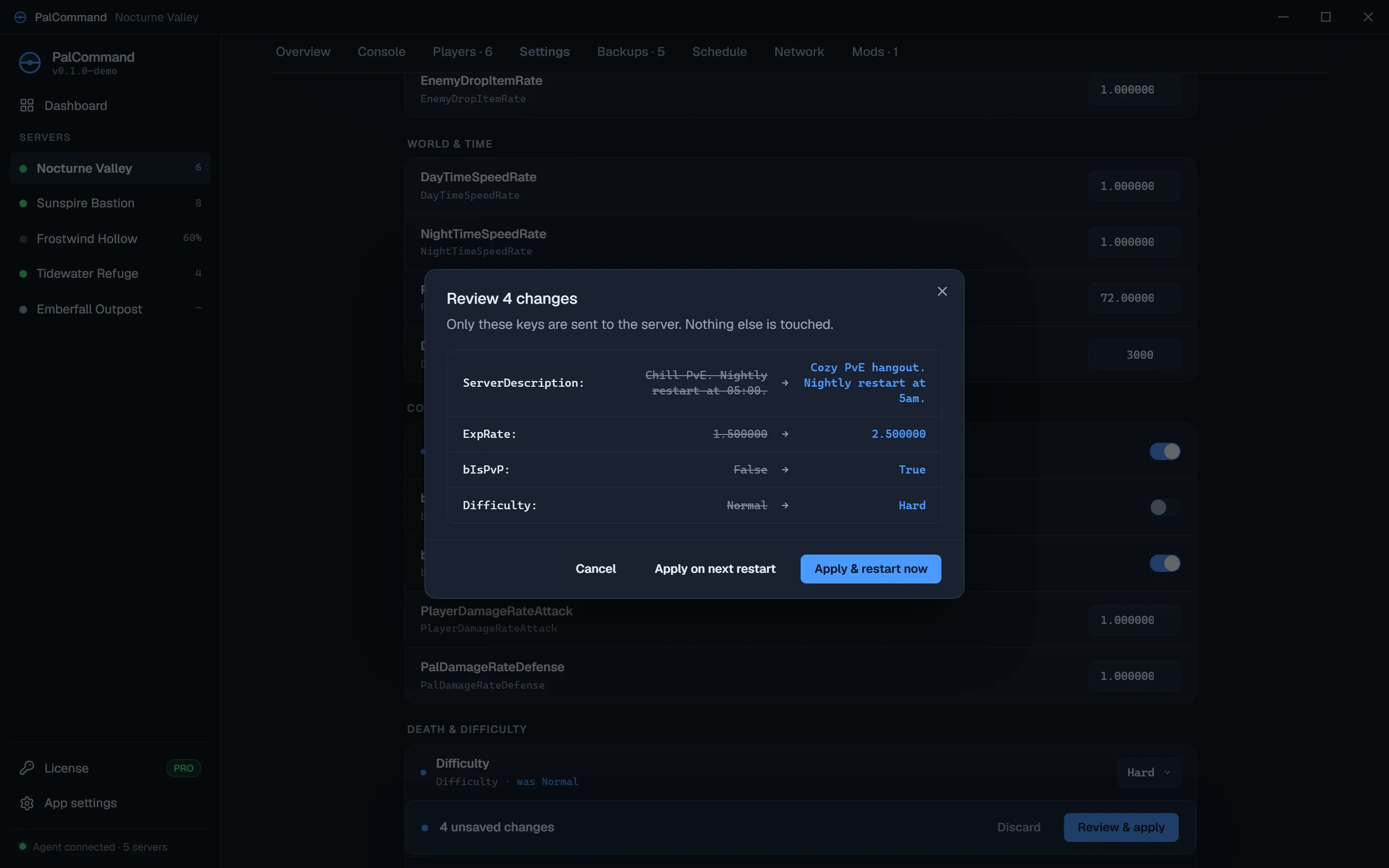
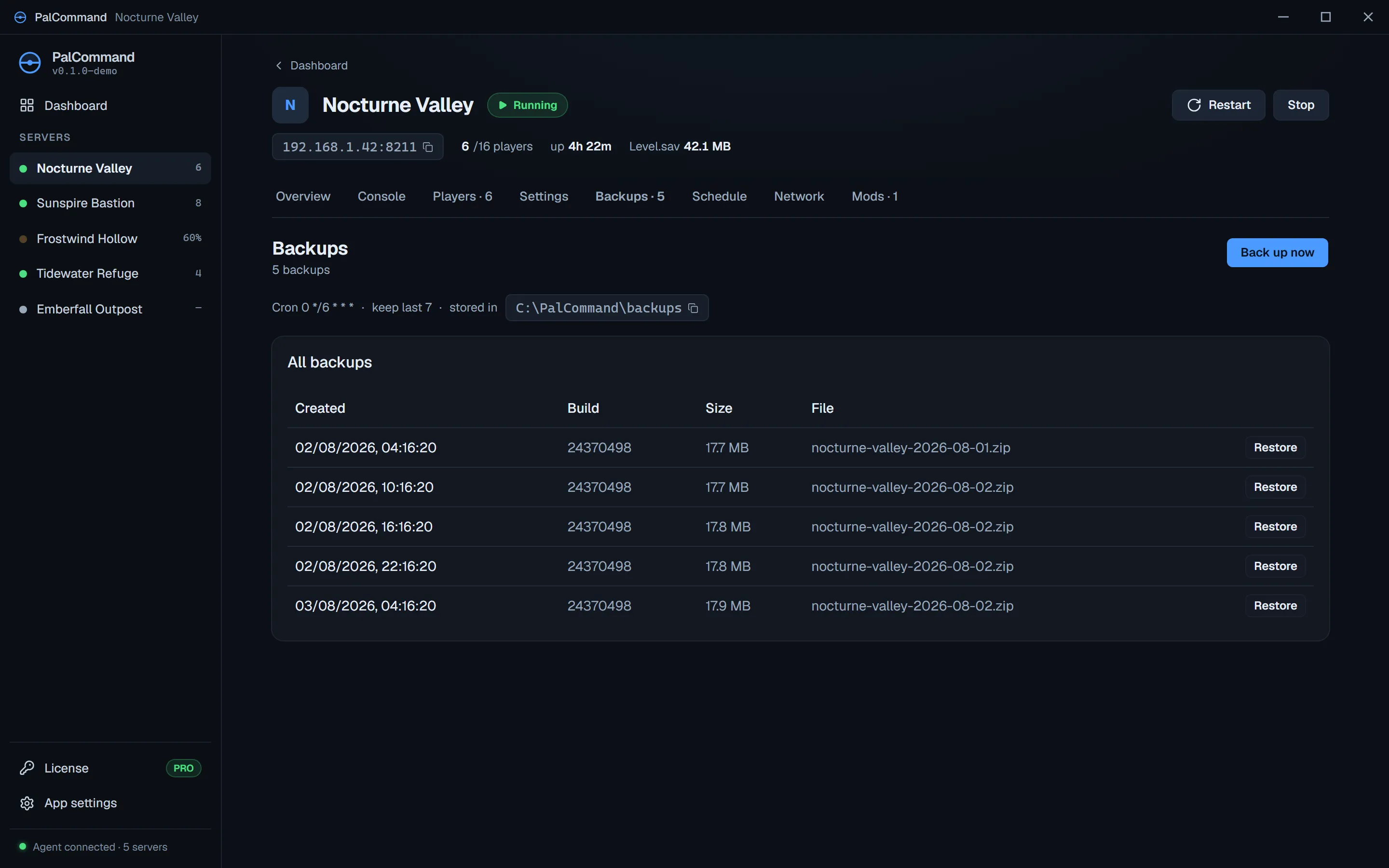
Patch day and recovery
Updates and restores show each step before it runs and report where the operation stopped if something fails.
Explore every capabilityPalCommand shows the current stage as it drains players, saves, snapshots, updates, verifies, and restarts the server.
PalCommand stops the server, snapshots the current world, restores and verifies the archive, then restarts only if the server was running before.
Co-op migration
See the exact source, destination, host-character risk, and safety plan before anything moves.
See the complete migration path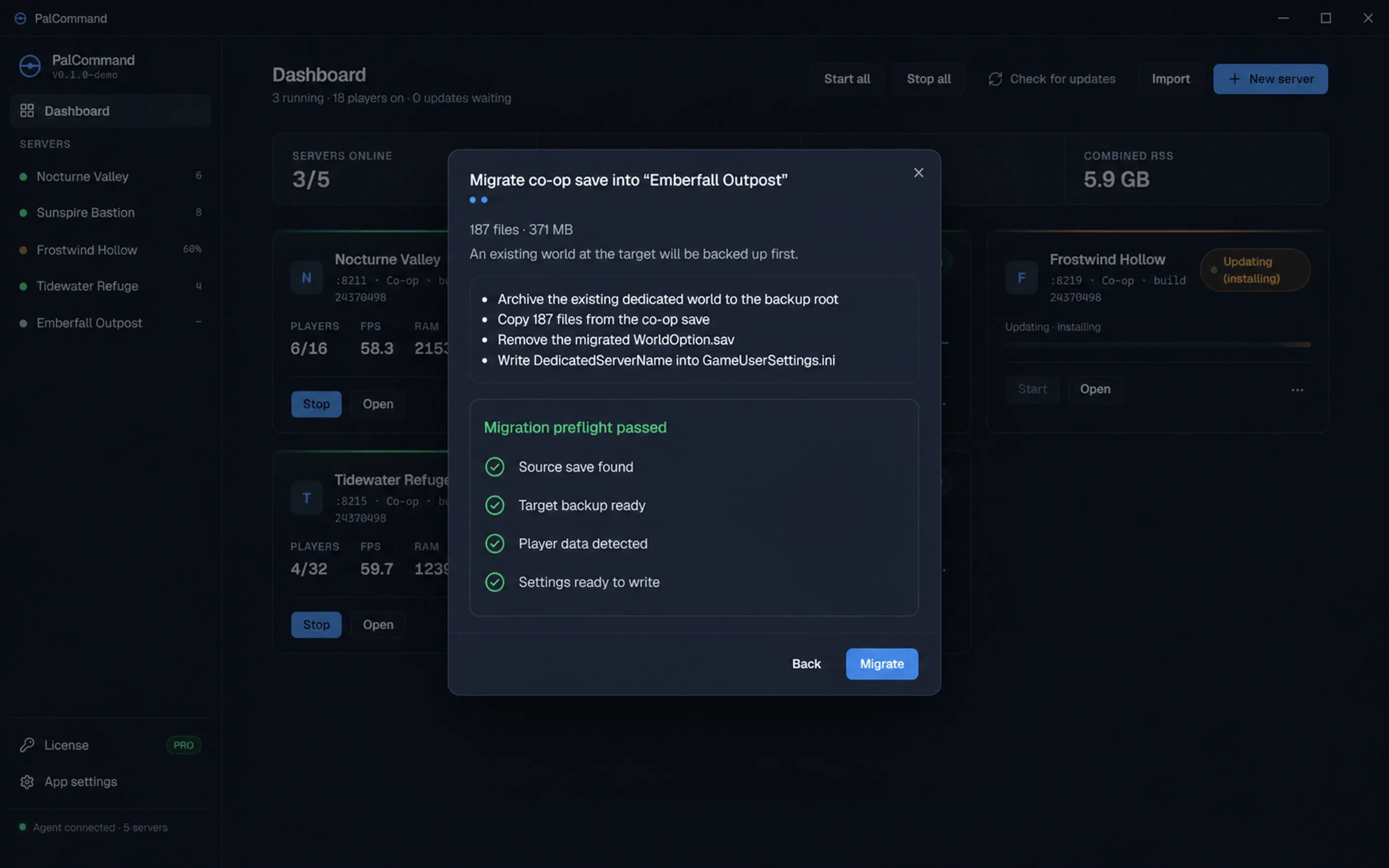
Runs on your server PC
PalCommand manages Palworld servers running on your Windows PC. It does not host, upload, or take ownership of your world.
Simple pricing
No charge during trial · cancel online in Account before the displayed charge date
Or US$5.99/month, or US$119.99 once · subscriptions auto-renew until cancelled · exact charge date in Account
Review trial and pricingCommon questions
No. PalCommand is the Windows control app for dedicated servers running on hardware you control. It does not rent you a remote server.
Yes. Existing dedicated-server installs can be adopted in place. Co-op migration has a separate guided path with a safety backup, preflight review, and clearly stated host-character risk.
Every PalCommand feature for fourteen days, on one server, across up to three Windows devices. A payment card is required. Subscribe to run more than one server.
PalCommand enters Safety Mode. Running servers are not stopped and local worlds are not deleted; update billing in Account to restore subscription access.
See the workflows
Explore the dashboard, updates, backups, and migration workflow in your browser. Nothing installs or accesses files on your PC.